
Best Baby Video Monitors of 2026
We ranked baby video monitors on video clarity, connection reliability, and features to find the best picks for new parents.
Filter Results
Filter Results
Showing 5 of 5 results
- 1
9.3
Best Overall$299Tech-savvy parents who want advanced insights
Tech-savvy parents who want advanced insights
$299at Amazon
- 1080p HD video with best-in-class night vision
- AI-powered sleep tracking and breathing motion monitoring
Sleep tracking meets crystal-clear video
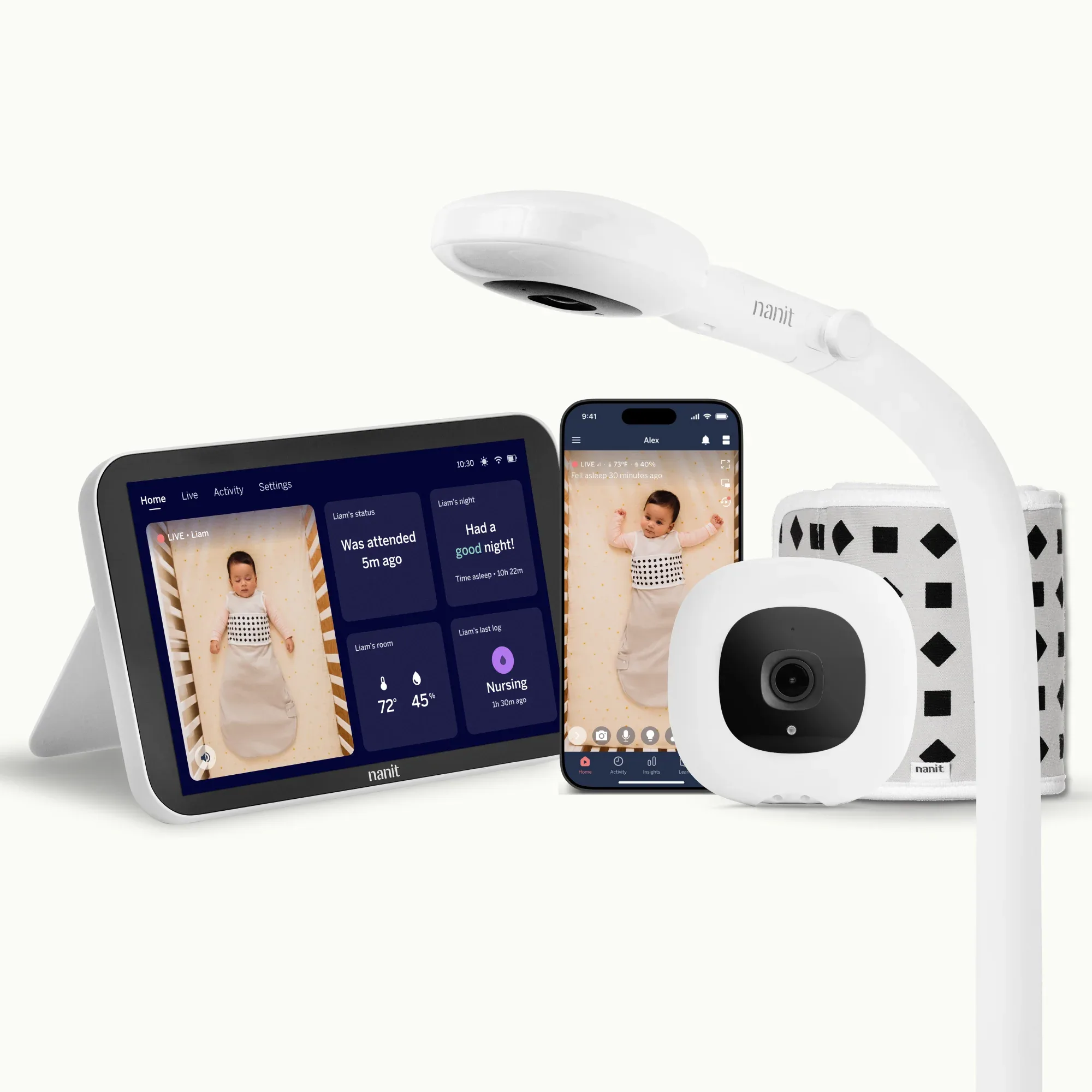
The Nanit Pro is the smartest baby video monitor on the market. Its computer vision-based breathing motion monitoring gives parents real peace of mind, and the sleep analytics are genuinely useful for building better sleep habits. For parents who want data-driven insights alongside crystal-clear video, nothing else compares.
Read the full Nanit Pro Camera review →Pros
- 1080p HD video with best-in-class night vision
- AI-powered sleep tracking and breathing motion monitoring
- Two-way audio with room temperature and humidity sensor
Cons
- Sleep insights require $99/year subscription
- Wall-mount only — stand sold separately
Score Breakdown
Safety9.0Value8.4Ease9.2Quality9.5Specs
- Resolution
- 1080p HD
- Night Vision
- Yes
- Two Way Audio
- Yes
- Temperature
- Yes
- Range
- WiFi
- 2
8.9
$199Parents who want a secure, non-Wi-Fi option
Parents who want a secure, non-Wi-Fi option
$199at Amazon
- No WiFi means zero hacking risk — encrypted FHSS signal only
- Dedicated parent unit — no phone needed, no app, no subscription
Total privacy, zero subscription fees
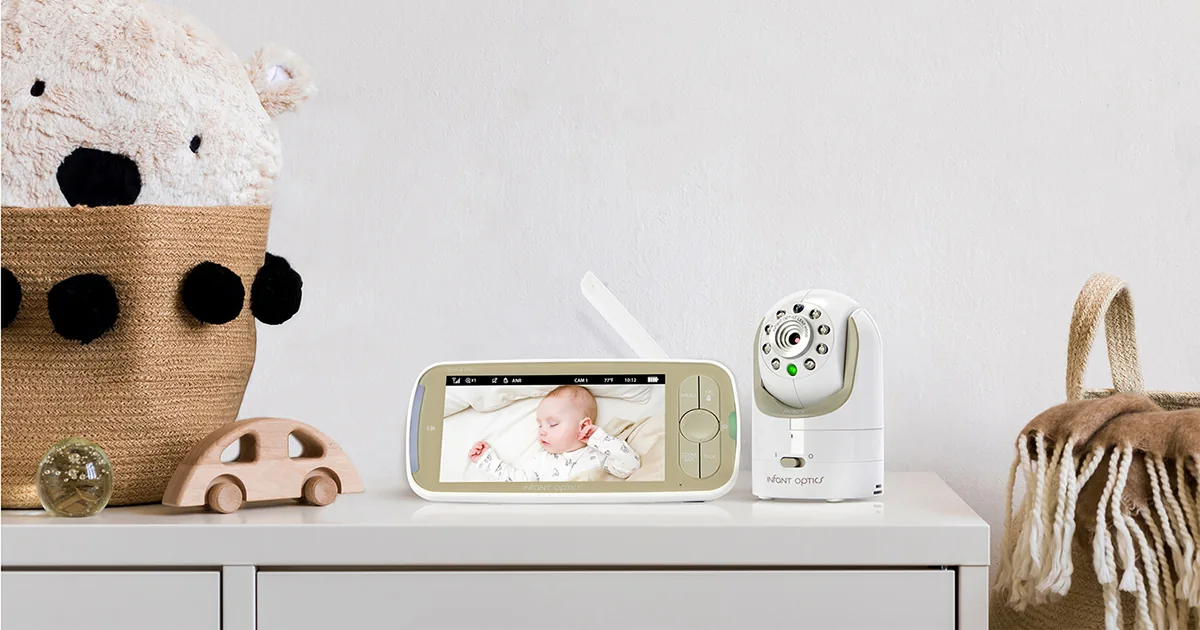
For parents who value privacy and simplicity over smart features, the Infant Optics DXR-8 Pro is the clear choice. No app, no subscription, no hacking risk — just reliable video and audio that works across 900 feet. The interchangeable lens system is unique among baby monitors.
Read the full Infant Optics DXR-8 Pro review →Pros
- No WiFi means zero hacking risk — encrypted FHSS signal only
- Dedicated parent unit — no phone needed, no app, no subscription
- Interchangeable optical lens system for wide-angle or zoom views
Cons
- 720p resolution (not full 1080p HD)
- No smart features or sleep tracking
Score Breakdown
Safety9.5Value9.2Ease8.8Quality8.9Specs
- Resolution
- 720p
- Night Vision
- Yes
- Two Way Audio
- Yes
- Temperature
- Yes
- Range
- Up to 900 ft
- 3
8.7
$149Parents who prefer a dedicated parent screen
Parents who prefer a dedicated parent screen
$149at Amazon
- 5-inch color screen — no phone or subscription needed
- Pan, tilt, and 4x zoom controllable from the parent unit
5-inch screen, zero subscription, always-on
The Motorola VM75 is the sweet spot for parents who want a dedicated screen without WiFi vulnerabilities. The 5-inch display is large enough to see detail from across the bedroom, pan/tilt/zoom works from the parent unit, and there's never a subscription fee. A no-fuss family workhorse.
Read the full Motorola VM75 review →Pros
- 5-inch color screen — no phone or subscription needed
- Pan, tilt, and 4x zoom controllable from the parent unit
- No WiFi required — private encrypted FHSS signal
Cons
- 720p resolution not as sharp as WiFi cameras
- Parent unit needs charging every 6 hours
Score Breakdown
Safety8.8Value9.1Ease9.0Quality8.5Specs
- Resolution
- 720p
- Night Vision
- Yes
- Two Way Audio
- Yes
- Temperature
- Yes
- Range
- Up to 1,000 ft
- 4
8.5
$139Nurseries that need all-day battery life
Nurseries that need all-day battery life
$139at Amazon
- 12-hour parent unit battery life — longest of any monitor on this list
- 5-inch 720p screen is among the largest in dedicated monitors
5-inch HD screen with 12-hour battery and no subscription
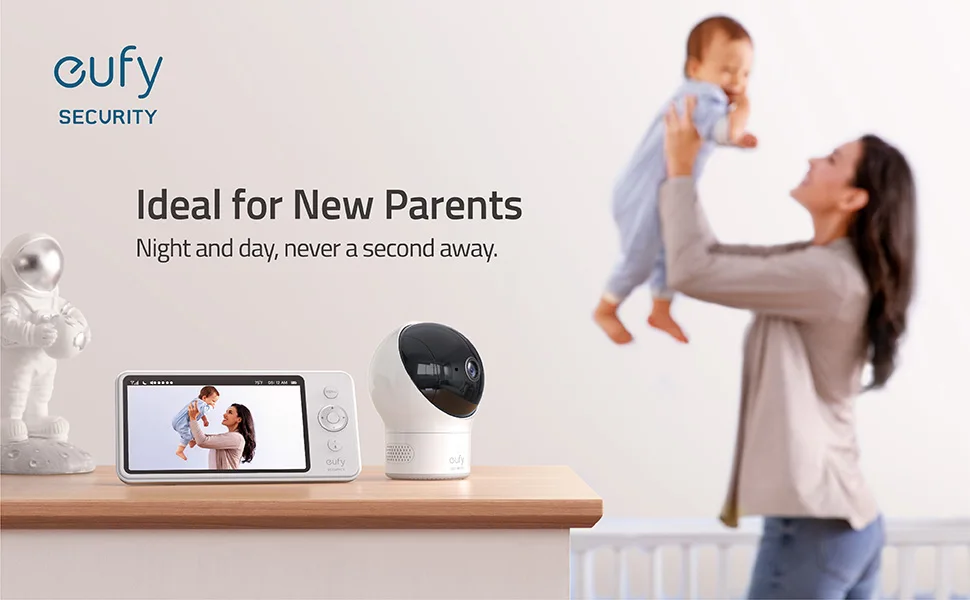
The Eufy SpaceView's 12-hour parent unit battery is a genuine differentiator — you can move anywhere in the house without hunting for an outlet. The 5-inch screen is a revelation if you've ever squinted at a 2-inch display at 3am. Zero subscriptions, zero WiFi exposure.
Read the full Eufy SpaceView review →Pros
- 12-hour parent unit battery life — longest of any monitor on this list
- 5-inch 720p screen is among the largest in dedicated monitors
- No WiFi — completely private encrypted connection
Cons
- Bulkier parent unit than competitors
- 720p resolution not as sharp as WiFi cameras
Score Breakdown
Safety8.8Value9.0Ease8.9Quality8.4Specs
- Resolution
- 720p
- Night Vision
- Yes
- Two Way Audio
- Yes
- Temperature
- Yes
- Range
- Up to 1,000 ft
- 5
8.2
$90Budget-conscious parents who want reliable basics
Budget-conscious parents who want reliable basics
$90at Direct
- 5-inch color screen with pan, tilt, and zoom under $100
- No WiFi required — secure DECT 6.0 connection
5-inch screen with pan/tilt/zoom under $100
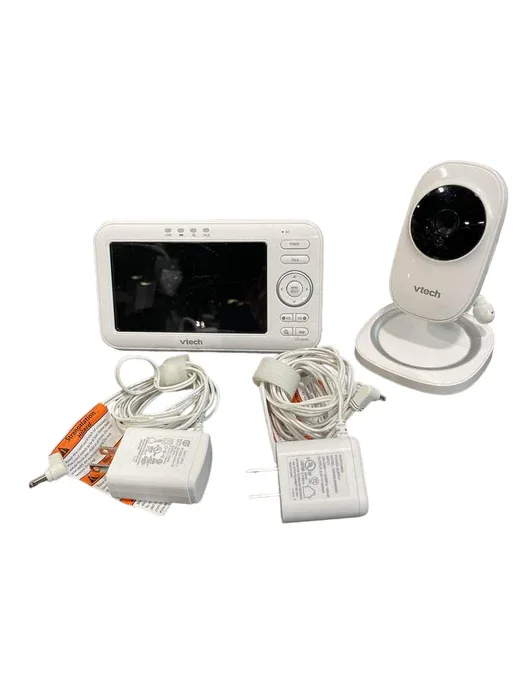
The VTech VM50 delivers the essentials — 5-inch screen, pan/tilt/zoom, no WiFi, no subscription — at the lowest price on this list. Resolution is lower than premium picks, but for budget-conscious families who just need reliable, private video monitoring, the VM50 covers the basics well.
Read the full VTech VM50 Video Baby Monitor review →Pros
- 5-inch color screen with pan, tilt, and zoom under $100
- No WiFi required — secure DECT 6.0 connection
- 12-hour rechargeable parent unit battery
Cons
- Lower resolution than premium monitors
- Audio quality is adequate but not exceptional
Score Breakdown
Safety8.5Value9.5Ease9.1Quality8.0Specs
- Resolution
- 480p
- Night Vision
- Yes
- Two Way Audio
- Yes
- Temperature
- Yes
- Range
- Up to 1,000 ft
Baby Monitors Buying Guide
Why get a baby monitor?
A baby monitor lets you see and hear your baby without opening the nursery door — which means fewer disrupted naps and more restful nights for everyone. Video models help you tell at a glance whether a stirring baby is settling back to sleep or genuinely needs you, and many parents find that alone is worth the purchase. Smart models add sleep pattern tracking and room-condition alerts that can help you build better sleep routines.
What to look for
Wi-Fi vs. non-Wi-Fi
Wi-Fi monitors stream to your phone anywhere and add smart features; non-Wi-Fi (FHSS) monitors use a dedicated parent unit with an encrypted local signal — simpler and inherently hack-resistant.
Video quality & night vision
Most viewing happens in a dark room. Prioritize sharp infrared night vision over daytime resolution specs.
Range & connection reliability
Test the monitor from the rooms you actually use — thick walls and multiple floors defeat weaker signals. A dropped connection at 2am is the complaint parents mention most.
Battery life of the parent unit
Dedicated-screen models live or die by battery. Look for 10+ hours in audio-only mode.
Ongoing subscription costs
Some smart monitors lock sleep insights and video history behind a monthly fee. Check the total cost of ownership, not just the sticker price.
Two-way audio & sensors
Talking or shushing through the monitor can settle a baby without a nursery visit. Room temperature and humidity readouts help you keep the nursery in the comfortable range.
Wi-Fi or non-Wi-Fi: how to decide
Choose a Wi-Fi monitor if you want to check in from anywhere, share access with a partner or caregiver, and get smart extras like sleep tracking — just plan on solid home Wi-Fi and a little setup. Choose a non-Wi-Fi (FHSS) monitor if you want zero internet exposure, no app or account to manage, and a dedicated parent unit that works the moment you plug it in. As a rule of thumb: privacy-first households and homes with spotty internet are happier with non-Wi-Fi, while parents who travel or want data on sleep patterns will get real value from Wi-Fi.
Our shortlist of 5
- #1 Nanit Pro Camera — Best Overall
- #2 Infant Optics DXR-8 Pro — Best No-WiFi Option
- #3 Motorola VM75 — Best Dedicated Screen
- #4 Eufy SpaceView — Best Battery Life
- #5 VTech VM50 Video Baby Monitor — Best Budget
Frequently Asked Questions
Do I need a video monitor, or is audio enough?
Audio-only works fine in small homes where you can reach the nursery quickly. Video earns its keep by showing you whether a fussing baby is actually awake — most parents say it meaningfully reduces unnecessary check-ins.
Are Wi-Fi baby monitors safe from hacking?
Reputable brands encrypt their streams end-to-end. Use a strong, unique password, enable two-factor authentication where offered, and keep firmware updated — with those basics covered, the practical risk is very low. If you want zero internet exposure, choose a non-Wi-Fi FHSS model.
Is a smart monitor subscription worth it?
If you are actively working on sleep training, the trend data and insights can genuinely help for the first year. If you mainly want to see and hear your baby, skip the subscription — core video and alerts work without it on every monitor we rank.
Our Ranking Methodology
Monitors were evaluated on video resolution and night vision, connection reliability and range, audio quality, smart features, and ease of setup.
Learn more about how we test and score →