
Best Kids Learning Tablets of 2026
We evaluated the top tablets for school-age kids on educational content, durability, parental controls, performance, and value.
Filter Results
Filter Results
Showing 5 of 5 results
- 1
9.2
Best Overall$189.99Best Overall
Best Overall
$189.99at Amazon Associates
- 2-year worry-free guarantee — Amazon replaces it free if the kid breaks it
- 1-year Amazon Kids+ subscription included ($5/mo value) with thousands of books, apps, and videos
The most complete kids' tablet package — content, controls, and a 2-year guarantee
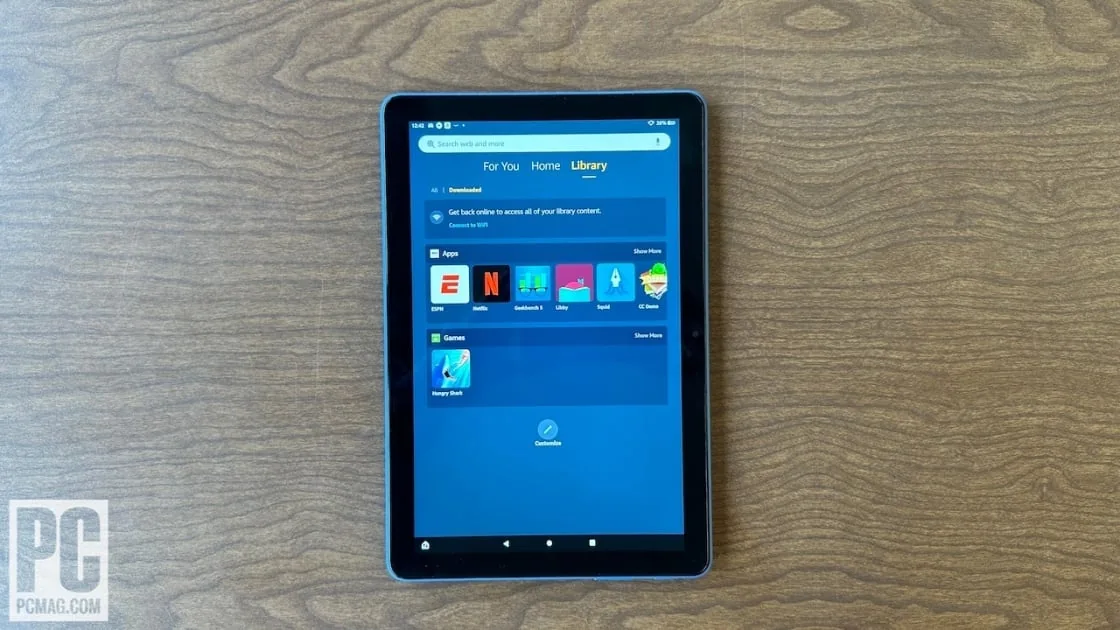
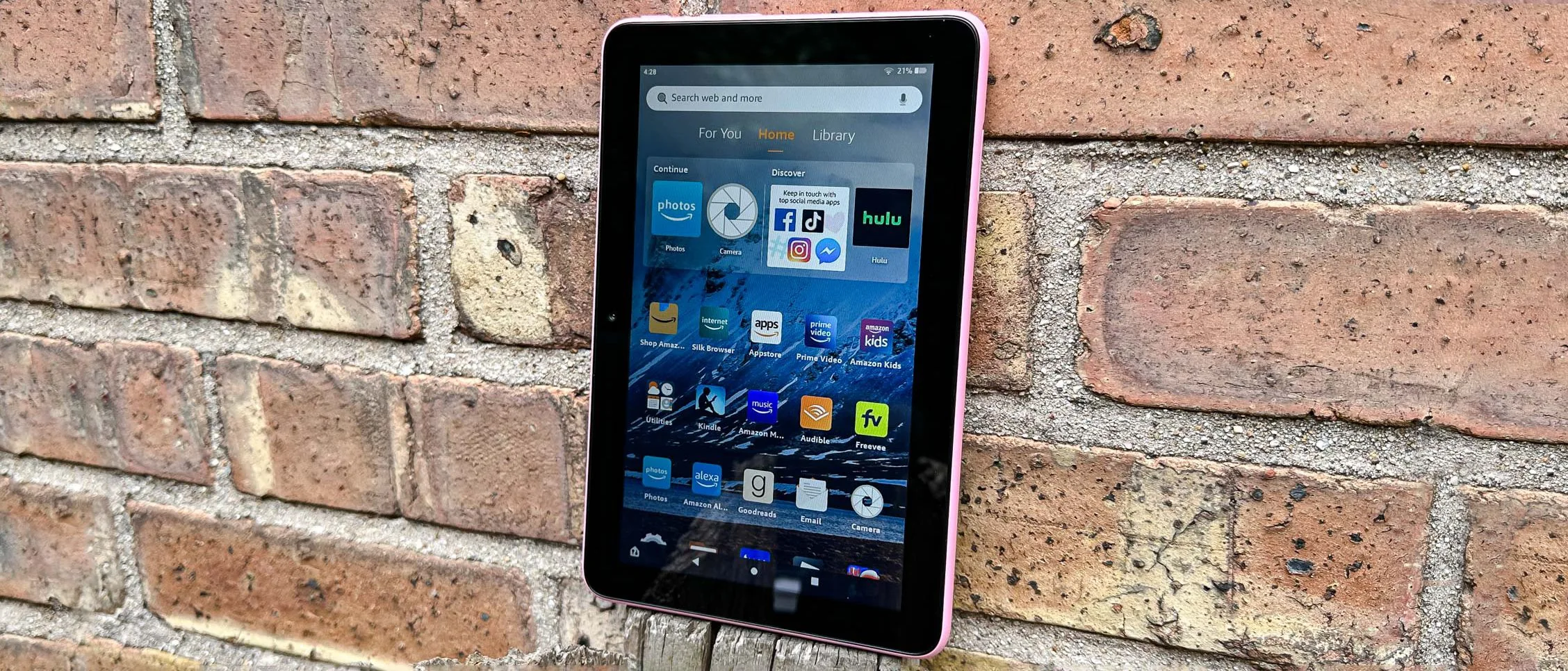
The Fire HD 10 Kids is the easiest recommendation in kids' tech. The 2-year no-questions-asked replacement guarantee alone is worth the price of admission — Amazon will replace a cracked or broken tablet free, once. Add in the included year of Amazon Kids+, class-leading parental controls, and a rugged kid-proof case, and it's genuinely the best value in kids' tablets.
Read the full Amazon Fire HD 10 Kids review →Pros
- 2-year worry-free guarantee — Amazon replaces it free if the kid breaks it
- 1-year Amazon Kids+ subscription included ($5/mo value) with thousands of books, apps, and videos
- Best-in-class parental controls via Parent Dashboard — screen time, content filters, educational goals
Cons
- Amazon ecosystem lock-in — no Google Play Store access
- Heavier than iPad mini at 465g — younger kids may find it unwieldy
Score Breakdown
Educational Content9.4Parental Controls9.5Durability9.6Performance8.8Value9.3Specs
- Screen Size
- 10.1 inch
- Storage
- 32GB
- Battery
- 12 hours
- Camera
- 5MP front + rear
- Warranty
- 2-year worry-free
- Os
- Fire OS (Android-based)
- 2
9.0
$329Best for Older Kids
Best for Older Kids
$329at Apple
- Access to the full App Store — the widest selection of educational apps by far
- Screen Time parental controls are robust and deeply integrated into iOS
The world's best tablet — also the best educational device for kids 8 and up
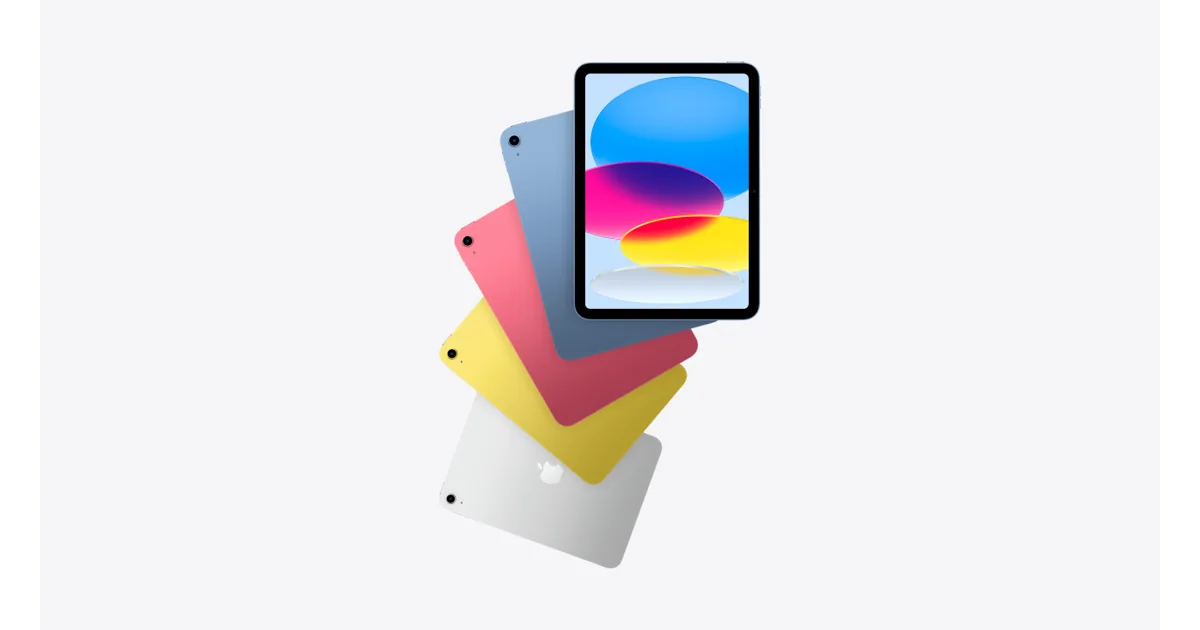
For kids 8 and up, the standard iPad is arguably the better long-term investment. The App Store has the richest educational ecosystem available, performance is exceptional, and the device will still be relevant in high school and college. The lack of a worry-free guarantee is the only meaningful drawback vs. the Fire — get a good case and AppleCare+ if you go this route.
Read the full Apple iPad (9th Generation) review →Pros
- Access to the full App Store — the widest selection of educational apps by far
- Screen Time parental controls are robust and deeply integrated into iOS
- Future-proof — kids use this same device through high school and college
Cons
- No included case — add $40–70 for a kid-proof case (Otterbox, STM)
- No worry-free replacement guarantee — AppleCare+ is an additional $79
Score Breakdown
Educational Content9.6Parental Controls9.2Durability7.8Performance9.8Value8.4Specs
- Screen Size
- 10.2 inch
- Storage
- 64GB base
- Battery
- 10 hours
- Camera
- 8MP rear, 12MP front
- Warranty
- 1-year standard
- Os
- iPadOS 17
- 3
8.5
$109.99Best Budget Pick
Best Budget Pick
$109.99at Amazon Associates
- Most affordable kids' tablet with a real worry-free guarantee
- Same excellent Parent Dashboard controls as the HD 10
The most affordable kids' tablet with all the controls that matter
The Fire 7 Kids is the right call when budget is the primary concern. You get the same excellent parental controls and worry-free guarantee as the HD 10 at nearly half the price. The smaller screen and slower processor are real trade-offs, but for a 5–7 year old doing reading apps and light games, performance is entirely adequate.
Read the full Amazon Fire 7 Kids review →Pros
- Most affordable kids' tablet with a real worry-free guarantee
- Same excellent Parent Dashboard controls as the HD 10
- Light and compact — easier for younger kids ages 5–7 to hold
Cons
- Slower processor than HD 10 — noticeable lag with video-heavy apps
- Smaller 7-inch screen — fine for reading and simple apps, limiting for video
Score Breakdown
Educational Content9.0Parental Controls9.4Durability9.2Performance7.8Value9.8Specs
- Screen Size
- 7 inch
- Storage
- 16GB
- Battery
- 10 hours
- Camera
- 2MP front + rear
- Warranty
- 2-year worry-free
- Os
- Fire OS (Android-based)
- 4
8.4
$229.99Best Android Alternative
Best Android Alternative
$229.99at Samsung
- Full Google Play Store access — all Android educational apps available
- Samsung Kids mode provides a clean, kid-friendly interface with parental controls
Full Android access with Google Play — the best non-Amazon option
The Galaxy Tab A8 is the best option for families in the Android ecosystem who want Google Play access without the Apple price tag. Samsung Kids mode provides a reasonably controlled environment, and the full Google Play Store means access to every educational app available. Less turnkey than the Fire HD but more flexible for older kids.
Read the full Samsung Galaxy Tab A8 review →Pros
- Full Google Play Store access — all Android educational apps available
- Samsung Kids mode provides a clean, kid-friendly interface with parental controls
- Sharp 10.5-inch display at a competitive price
Cons
- No worry-free replacement guarantee
- Samsung Kids mode less polished than Amazon's Parent Dashboard
Score Breakdown
Educational Content8.8Parental Controls8.5Durability8.2Performance8.7Value8.6Specs
- Screen Size
- 10.5 inch
- Storage
- 32GB
- Battery
- 8 hours
- Camera
- 8MP rear, 5MP front
- Warranty
- 1-year
- Os
- Android 11 + One UI
- 5
8.2
$99.99Best for Ages 5–7
Best for Ages 5–7
$99.99at Direct
- All content is curriculum-aligned — every app and game is explicitly educational
- Closed ecosystem means no access to non-educational content at all
Purpose-built learning tablet for younger school-age kids with curriculum-aligned content
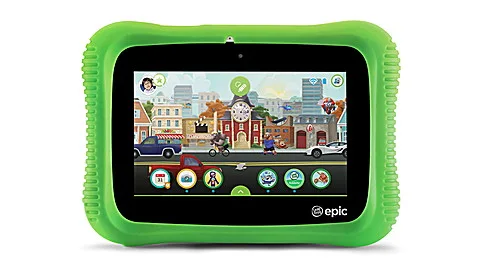
LeapFrog's Epic is the right choice for parents of 5–7 year olds who want a pure learning tool with zero entertainment creep. Every piece of content is curriculum-aligned and age-appropriate, and the closed ecosystem means there's no negotiating screen time with Netflix or YouTube. Kids typically want something more capable by age 8, so think of it as a transitional device.
Read the full LeapFrog Epic Academy Edition review →Pros
- All content is curriculum-aligned — every app and game is explicitly educational
- Closed ecosystem means no access to non-educational content at all
- Durable build designed specifically for young children's hands
Cons
- Limited content library compared to Fire or iPad
- Kids typically outgrow it by age 8 — limited long-term value
Score Breakdown
Educational Content9.2Parental Controls9.3Durability9.0Performance7.5Value9.0Specs
- Screen Size
- 7 inch
- Storage
- 16GB
- Battery
- 9 hours
- Camera
- 2MP front + rear
- Warranty
- 1-year
- Os
- LeapFrog OS

Kids Learning Tablets Buying Guide
Why choose a kids-specific tablet?
A tablet is coming into your school-age kid’s life one way or another — the question is whether it arrives with guardrails. Kids’ tablets bundle the things that otherwise take a parent hours to configure: real parental controls, age-filtered content libraries, screen-time limits, and cases built to survive the floor. Done right, a tablet is where reading apps, math practice, and creative tools live; done carelessly, it’s a pocket television. The setup you choose decides which one you get.
What to look for
Parental controls that go deep
Look for per-app time limits, content filters by age, educational goals before entertainment unlocks, and a parent dashboard you’ll actually check. This is the core of the purchase — test it before the return window closes.
Content subscription math
Kids’ tablets often bundle a year of a content library, then bill monthly. Price the second year before you buy, and check what the tablet is still good for if you cancel.
Durability and the warranty behind it
A thick bumper case is standard; the real differentiator is the guarantee. Some kids’ tablets ship with multi-year no-questions replacement policies — with children, that’s not a gimmick.
Performance headroom
An underpowered tablet gets slower every year and abandoned by year three. More storage and RAM extend useful life, and a mainstream app ecosystem ages better than a walled garden.
The right fit for the age
Purpose-built learning tablets shine for early elementary; by 8 or so, kids outgrow them and a full tablet with strong parental controls serves longer. Buy for the next two years, not the next six.
Screen quality and eye comfort
Kids hold tablets close. A sharp screen with good brightness matters for reading, and blue-light filters and enforced breaks are worth having.
Our shortlist of 5
- #1 Amazon Fire HD 10 Kids — Best Overall
- #2 Apple iPad (9th Generation) — Best for Older Kids
- #3 Amazon Fire 7 Kids — Best Budget Pick
- #4 Samsung Galaxy Tab A8 — Best Android Alternative
- #5 LeapFrog Epic Academy Edition — Best for Ages 5–7
Frequently Asked Questions
How much tablet time is appropriate for a school-age kid?
The American Academy of Pediatrics recommends consistent, family-set limits for kids 6 and up rather than a single magic number — the goal is making sure screens don’t crowd out sleep, physical activity, homework, and face-to-face time. The tablet’s own parental controls make whatever limit you choose enforceable without nightly negotiation.
Is a cheap kids tablet good enough, or should we get an iPad?
For roughly ages 3–7, a purpose-built kids tablet usually wins: better controls, bundled kid content, and a rugged case at a fraction of the price. For 8-and-up kids doing schoolwork, a standard tablet with parental controls configured serves longer. The wrong answer is a premium tablet with no controls set up.
Do these tablets require a subscription?
The hardware works without one, but the bundled kid-content libraries typically convert to a monthly fee after the included period. You can cancel and load individual apps instead — often cheaper once your child has settled on favorites. Factor the subscription into the real cost when comparing models.
Our Ranking Methodology
Tablets were evaluated on educational content quality, parental controls and safety, durability and build quality, performance for age-appropriate tasks, and value.
Learn more about how we test and score →