
Best Laptops for High Schoolers of 2026
We ranked laptops for high school students on performance, battery life, durability, keyboard quality, and value.
Filter Results
Filter Results
Showing 5 of 5 results
- 1
9.5
Best Overall$1,099Best Overall
Best Overall
$1,099at Amazon
- 18-hour battery life — lasts all day without charging
- M2 chip handles everything a high schooler needs effortlessly
The best laptop for most high schoolers — period
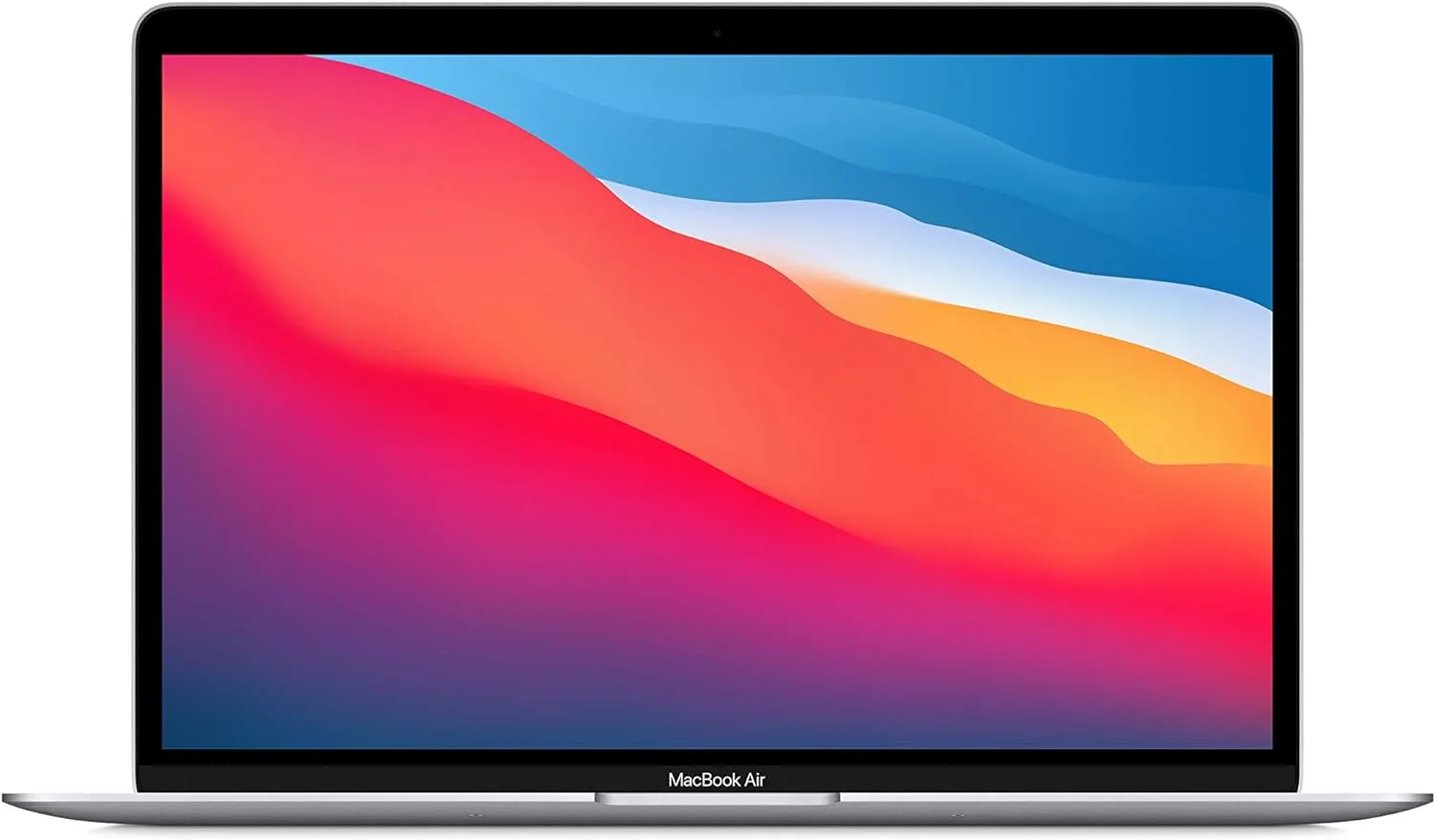
The MacBook Air M2 is simply the best laptop for most high school students. The M2 chip's performance and efficiency give it battery life that lasts all day, the build quality is exceptional, and the seamless integration with iPhone makes it the natural choice for Apple households.
Read the full MacBook Air M2 review →Pros
- 18-hour battery life — lasts all day without charging
- M2 chip handles everything a high schooler needs effortlessly
- Fanless, silent design — never gets hot in class
Cons
- Premium price vs. Windows competitors
- Only 2 USB-C ports requires hub for multiple accessories
Score Breakdown
Safety9.2Value8.5Ease9.8Quality9.7Specs
- Processor
- Apple M2
- Ram
- 8GB
- Storage
- 256GB SSD
- Display
- 13.6-inch Liquid Retina
- Battery Life
- 18 hours
- Weight
- 2.7 lbs
- 2
9.1
$999Best Windows Laptop
Best Windows Laptop
$999at Amazon
- Stunning InfinityEdge display with virtually no bezels
- Premium aluminum build that survives backpack life
The benchmark Windows ultrabook for serious students
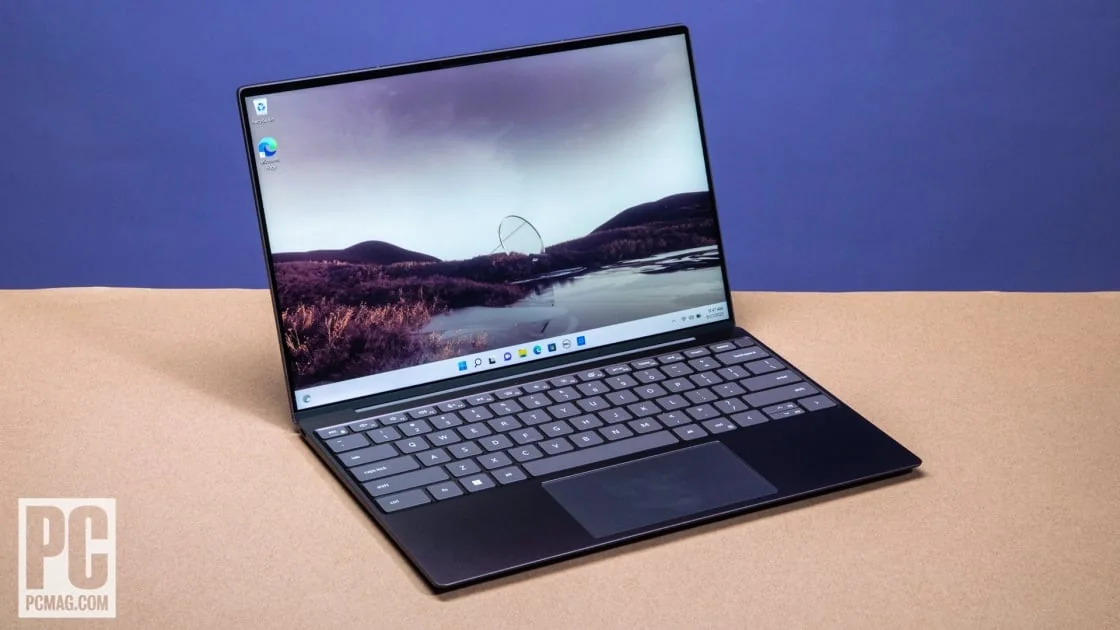
The Dell XPS 13 is the gold standard for Windows ultrabooks. Its near-borderless display is gorgeous, the build quality rivals Apple, and the Core Ultra processor handles everything from essays to video editing with ease.
Read the full Dell XPS 13 review →Pros
- Stunning InfinityEdge display with virtually no bezels
- Premium aluminum build that survives backpack life
- Intel Core Ultra chips handle demanding school projects
Cons
- Battery life (10–12 hrs) shorter than MacBook Air
- Gets warm under sustained loads
Score Breakdown
Safety9.0Value8.8Ease9.0Quality9.3Specs
- Processor
- Intel Core Ultra 7
- Ram
- 16GB
- Storage
- 512GB SSD
- Display
- 13.4-inch OLED
- Battery Life
- 10–12 hours
- Weight
- 2.73 lbs
- 3
8.8
$599Best Value
Best Value
$599at Amazon
- Exceptional value — Core i5/Ryzen 5 performance at $600
- Good keyboard with comfortable key travel
Serious performance at a student-friendly price
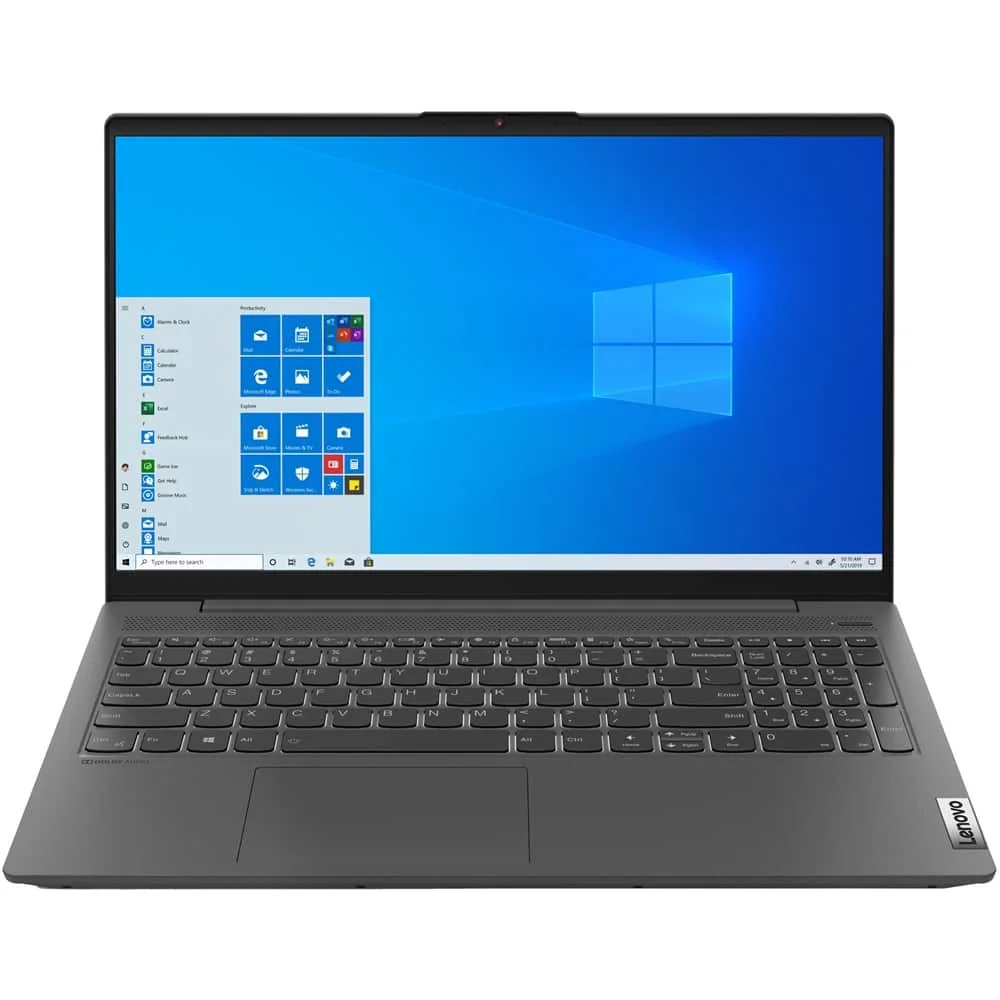
The Lenovo IdeaPad 5 delivers performance that punches well above its price. For families who want a capable, reliable laptop for high school without breaking the bank, this is the definitive answer.
Read the full Lenovo IdeaPad 5 review →Pros
- Exceptional value — Core i5/Ryzen 5 performance at $600
- Good keyboard with comfortable key travel
- Fingerprint reader for quick, secure login
Cons
- Display brightness lower than premium picks
- Build quality not as premium as XPS or MacBook
Score Breakdown
Safety8.8Value9.6Ease8.9Quality8.7Specs
- Processor
- AMD Ryzen 5 7530U
- Ram
- 8GB
- Storage
- 512GB SSD
- Display
- 15.6-inch FHD IPS
- Battery Life
- 10–12 hours
- Weight
- 3.74 lbs
- 4
8.9
$1,299Best 2-in-1
Best 2-in-1
$1,299at Amazon
- 360-degree hinge enables laptop, tent, and tablet modes
- OLED touchscreen is stunning for art and note-taking classes
Premium 2-in-1 that works as laptop and tablet
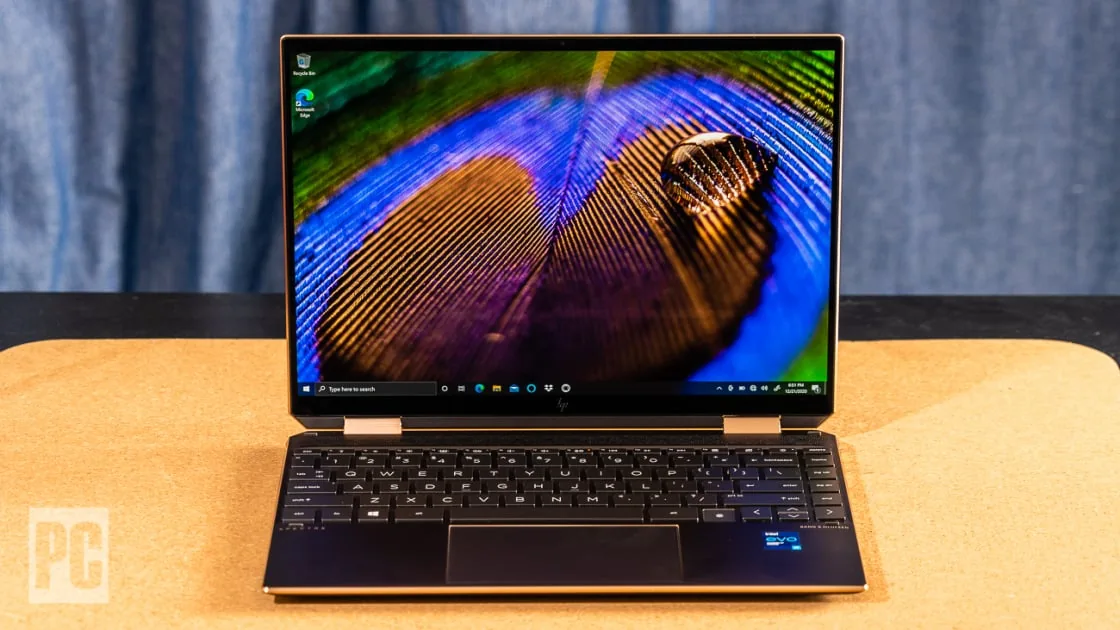
For creative students or those who prefer handwritten notes, the HP Spectre x360 is the premier choice. Its OLED touchscreen and stylus support make it exceptional for art, design, and STEM classes where sketching matters.
Read the full HP Spectre x360 review →Pros
- 360-degree hinge enables laptop, tent, and tablet modes
- OLED touchscreen is stunning for art and note-taking classes
- Included stylus pen for handwritten notes and sketches
Cons
- Premium price for a student laptop
- Heavier than standard ultrabooks at 3.01 lbs
Score Breakdown
Safety9.0Value8.4Ease9.1Quality9.2Specs
- Processor
- Intel Core Ultra 7
- Ram
- 16GB
- Storage
- 1TB SSD
- Display
- 13.5-inch OLED touchscreen
- Battery Life
- 12–15 hours
- Weight
- 3.01 lbs
- 5
8.4
$499Best Budget Pick
Best Budget Pick
$499at Amazon
- Google Classroom native — instant access to all school tools
- 12-hour+ battery life at a fraction of the MacBook price
Affordable, fast, and built for Google Classroom
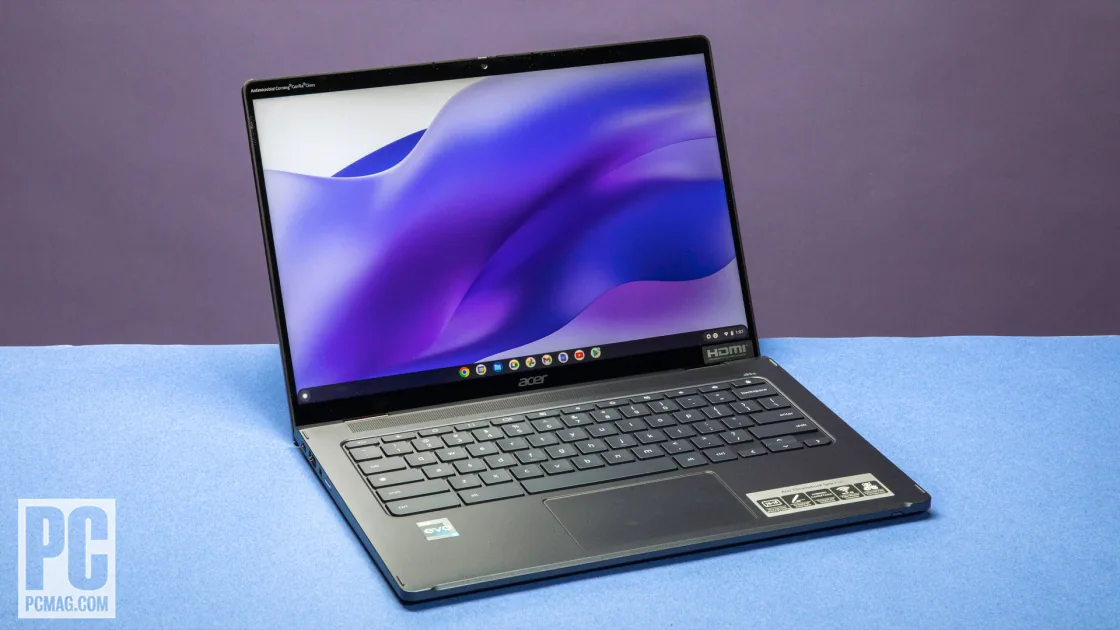
For students whose school uses Google Workspace, the Acer Chromebook Spin is the savviest buy on this list. Chrome OS needs no maintenance, the battery outlasts most school days, and the $499 price leaves budget for everything else a high schooler needs.
Read the full Acer Chromebook Spin 714 review →Pros
- Google Classroom native — instant access to all school tools
- 12-hour+ battery life at a fraction of the MacBook price
- Virtually maintenance-free — no virus risk, auto-updates
Cons
- Limited to Chrome OS — can't run Windows software
- Less powerful for locally-installed applications
Score Breakdown
Safety8.8Value9.7Ease9.3Quality8.3Specs
- Processor
- Intel Core i5-1235U
- Ram
- 8GB
- Storage
- 256GB eMMC
- Display
- 14-inch 2K IPS touchscreen
- Battery Life
- 12+ hours
- Weight
- 3.09 lbs
Laptops for Students Buying Guide
Why does a high schooler’s laptop matter?
High school runs on a laptop now — essays, research, submissions, and the college applications waiting at the end. The right machine for this stage is different from the college answer: budgets are tighter, drops are likelier, and the horizon is four years of homework rather than specialized software. The sweet spot is durable, long-battery, fast-enough — and cheap enough that a backpack accident isn’t a family crisis.
What to look for
School requirements first
Check the school’s platform reality before buying: some run Google classrooms where Chromebooks shine; some require Windows-or-Mac testing software. Ten minutes of checking beats an incompatible purchase.
The budget sweet spot
High-school duties — documents, browser, streaming — are light. The ranked range runs from capable Chromebooks to premium ultrabooks; the middle of that range covers nearly every student honestly.
Battery through the school day
Outlets are scarce in classrooms. All-day battery is the feature students notice weekly; prioritize it over performance numbers they’ll never feel.
Backpack durability
This laptop lives in a teenager’s backpack. Build quality, a protective sleeve (buy it same-day), and warranty coverage for accidents are core specs, not accessories.
Enough machine for senior year
Buy for the graduation timeline: enough RAM and storage that year four isn’t miserable. If college is close, consider whether this machine should stretch to freshman year — or deliberately shouldn’t.
Distraction economics
A practical parental note: the laptop is also a gaming and streaming device. School-managed Chromebooks limit this by design; personal machines rely on family rules — decide which regime you’re buying into.
Our shortlist of 5
- #1 MacBook Air M2 — Best Overall
- #2 Dell XPS 13 — Best Windows Laptop
- #3 Lenovo IdeaPad 5 — Best Value
- #4 HP Spectre x360 — Best 2-in-1
- #5 Acer Chromebook Spin 714 — Best Budget Pick
Frequently Asked Questions
Is a Chromebook enough for high school?
For most students at most schools, genuinely yes — Google-based schoolwork, browser research, and streaming are exactly what Chromebooks do well, cheaply, with long batteries. The exceptions that push to Windows/Mac: required testing or class software, serious creative work (video, music production), or a coder kid outgrowing the browser. Our ranked Chromebook is the it-covers-everything pick for the first group.
Should we buy the college laptop now or a cheaper one for high school?
Usually separate purchases: a laptop bought sophomore year is five years old at college move-in — aged battery, dated specs — and college requirements (major-specific) aren’t knowable yet. The efficient pattern: a durable mid-range machine for high school, then a fresh, requirement-matched laptop as a graduation purchase. Exception: a junior/senior purchase can reasonably stretch to cover freshman year.
How do we protect it from teenage life?
Layer the defenses: a padded sleeve as a same-day purchase, a warranty with accidental-damage coverage (worth it at this age bracket), automatic cloud backup so the essay survives what the laptop doesn’t, and a family norm about drinks near the keyboard. Also register the serial number — backpack theft is the other loss mode, and schools recover labeled machines surprisingly often.
Our Ranking Methodology
Laptops were evaluated on battery life, processing performance for school tasks, build quality and durability, display quality, keyboard comfort, and price-to-value.
Learn more about how we test and score →