
How to Replace a Recalled Babysense Max View Parent Unit
September 30, 2026 · ParentRankings Editors
Our Top Pick
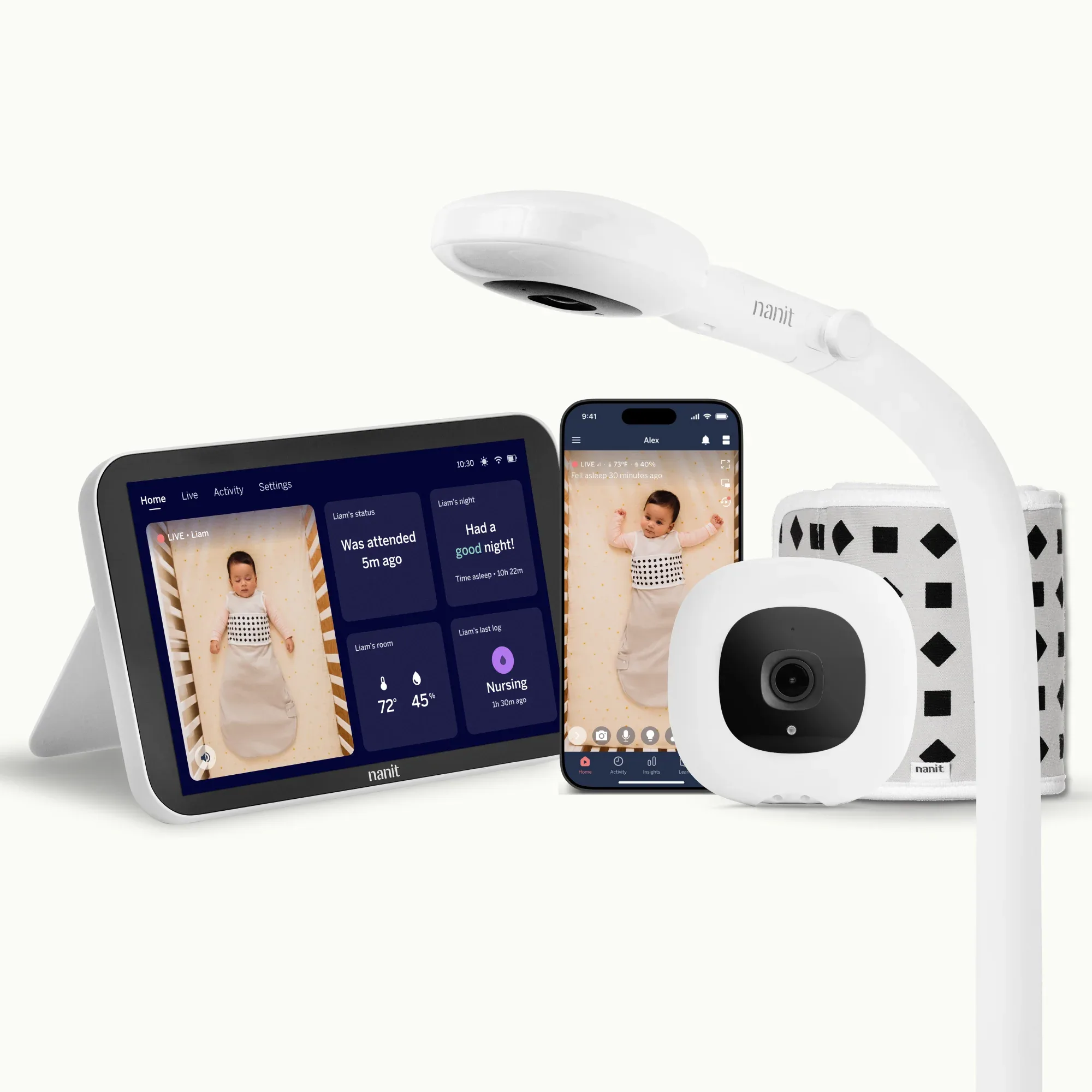
Nanit Pro Camera
After you pull a recalled Max View parent unit off the charger, this is the WiFi sleep-tracking illustration from our shortlist.
On February 26, 2026, the U.S. Consumer Product Safety Commission announced Recall 26-307 for Babysense Max View Baby Monitors. About 81,800 units sold on Amazon.com, Walmart.com, and Babylist.com from January 2023 through December 2025 for about $90 to $180. The manufacturer is Hisense Ltd. of Israel. The camera in the nursery is not the recalled part. The display, or parent unit, is.
The hazard is a charging fire risk. The parent unit can overheat and spark while it charges. Hisense has 11 incident reports. No injuries are listed so far. The remedy is a free replacement display that does not pose that fire hazard.
If a Babysense Max View parent unit still sits on a nightstand, the job this week is not another comparison chart. It is stopping use of that display today, claiming the free replacement, and only then deciding whether the nursery monitor setup stays or changes.
Consumer Reports still listed this recall in its September 17, 2026 baby-product recall roundup. Plenty of Max View displays are still charging overnight in homes that never opened the CPSC email. Fall sleep routines make that gap more urgent, not less.
This guide is by the ParentRankings Editorial Team. Ranked by parents. For parents. We may be paid by companies we feature. This may influence rankings. When you want a calm shortlist after the recall steps, use Best Baby Monitors.
Why this is a how-to, not another Top 5
Category pages already own the Best Baby Monitors shortlist. Parents reading Recall 26-307 need an action sequence:
- Stop using and charging the Max View parent unit today.
- Confirm the model by the VBM55 / VBM55RX label on the back of the display.
- Contact Hisense for a free replacement display (phone, email, or recallsecure.com).
- Dispose of the recalled lithium-ion parent unit the right way. Do not toss it in household trash or curbside recycling.
- Keep monitoring the baby with a temporary plan while you wait for the replacement, or rebuild the setup with a different monitor path.
- Register the replacement or any new monitor so the next notice reaches you.
The five product cards later in this post illustrate monitor paths from our baby-monitors shortlist when you are ready to replace or diversify after the recall. They are shopping illustrations for safer nursery monitoring after you finish the Hisense steps. They are not a second category ranking as the article's main job. The main job is what to do after the Babysense Max View parent-unit recall. We do not publish a fake Best Video Monitors Top 5 here.
Step-by-step: what to do this week
1. Stop using the parent unit immediately
Unplug the Max View display. Stop charging it. Take it off the nightstand, kitchen counter, and charging dock. CPSC language is stop using the display unit immediately. A unit that can overheat or spark while charging is not a leave it on overnight while we think about it problem.
The nursery camera can stay mounted for now. The recalled part is the parent display you hold or dock, not the camera in the crib room.
2. Identify the recalled Max View display
Match the product to CPSC's description before you request a replacement:
- Babysense Max View Baby Monitor, model VBM55
- Parent / display unit model VBM55RX on the product identification label on the back
- Screen marking: 5.5" HD 1080P on the upper left of the monitor screen
- babysense logo on the lower portion of the monitor screen
- Sold online at Amazon.com, Walmart.com, and babylist.com from January 2023 through December 2025 for about $90 to $180
- Recall: CPSC Recall 26-307, February 26, 2026, about 81,800 units
This recall does not cover Max Pro units or every other Babysense model. Check the back label. If you see VBM55RX on the parent unit, treat it as recalled even if a seller listing is still live.
3. Claim the free replacement display
CPSC and Hisense share one remedy path: a free replacement parent unit that does not pose the fire hazard.
Contact options:
- Online: www.recallsecure.com (enter details and follow the serial-number steps)
- Phone: Hisense toll-free at 833-689-2652, 9 a.m. to 5 p.m. ET, Monday through Friday
- Email: support@recallsecure.com
- Brand site: www.babysensemonitors.com, Product Recalls link at the top of the page
Have the serial number ready. Serials for affected units commonly begin with MVRX and appear on the label on the back of the display. Photograph the back label and your order confirmation before you ship or dispose of anything.
Do not sell the recalled parent unit, donate it, or hand it to a friend while you wait. Do not leave it charging on a dresser next to bedding or curtains.
4. Dispose of the lithium-ion parent unit correctly
CPSC is explicit: do not throw this recalled device in household trash, curbside recycling, or used-battery retail drop boxes. Recalled lithium-ion batteries present a greater fire risk in those streams.
Call your municipal household hazardous waste (HHW) center first and ask whether it accepts recalled lithium-ion batteries or devices. If it does not, ask the municipality for the right disposal path. Follow Hisense's replacement instructions for what to destroy, mark, or return when they send them.
5. Cover nights while you wait
You still need a way to hear or see the baby tonight. Sensible temporary options:
- Use a working audio-only monitor you already trust, if you have one
- Sleep in the same room for a short stretch if that is realistic
- Borrow a different video monitor from a relative, and confirm it is not also a recalled Max View parent unit
- Do not keep charging the recalled VBM55RX display as your backup plan
When the free replacement arrives, inspect it, register it if the brand offers registration, and only then resume the old camera-plus-new-display setup if that is what you want.
6. Decide whether to stay with Babysense or rebuild
Some families will keep the nursery camera and run the free replacement parent unit. That is the official remedy path and it can be enough.
Other families will rebuild because trust is gone, they want WiFi sleep tracking, or they want a no-WiFi dedicated screen from another brand. Either choice is fine after the recalled display is out of the charging rotation. What is not fine is leaving the recalled parent unit plugged in because the replacement email is slow.
7. Report problems and keep records
If the parent unit already overheated, sparked, swelled, or melted, file a report at SaferProducts.gov even if no one was hurt. Hisense lists 11 incidents and no injuries. Extra reports help track severity.
Keep a folder with: photo of the VBM55RX label, serial number, recallsecure or email thread, CPSC Recall 26-307 page, and HHW disposal notes. That file helps if insurance, a landlord, or a relative asks what you did.
What to look for when you replace a recalled parent unit
After a Babysense Max View recall, the first win is stop use and claim the free replacement. The second win is a monitoring setup that will not surprise you at 2 a.m. with a hot, sparking display. We score baby monitors on video clarity and night vision, connection reliability and range, audio quality, smart features, and ease of setup. Map those scores to practical checks:
- Charging safety you can live with: Prefer brands with clear U.S. support, product registration, and a public recall page. A parent unit that lives on a nightstand should not be a mystery battery from an opaque listing.
- Know whether you want WiFi or not: WiFi cameras unlock phone viewing and sleep insights. Dedicated no-WiFi parent units cut hacking surface and subscription pressure. Pick the threat model you actually care about.
- Night vision and screen you will actually use: A sharp nursery feed matters less if the parent screen is too small or the night image is muddy.
- Range and walls that match your home: Apartment drywall and multi-story houses stress monitors differently. Check real range claims against your floor plan.
- Battery habits that fit your nights: Long parent-unit battery life helps if you walk the display around the house. If you always dock it, focus on dock heat and cable quality instead.
- Support and registration: Register the unit. Mail and email notices matter when tens of thousands of displays can overheat while charging.
Five checks that sit outside a single score
- Confirm the VBM55RX parent unit is unplugged and in the recall queue before you celebrate a new purchase.
- Do not confuse Max View with Max Pro or unrelated Babysense models. Read the back label.
- Plan HHW disposal for the recalled lithium-ion display. Trash and curbside recycling are the wrong bins.
- Skip secondhand Max View parent units that still show VBM55RX after Recall 26-307.
- Use our baby monitors shortlist as a comparison tool after the safety step, not as proof that only five monitors exist.
We do not invent clinicians, parent testimonials, or credentials. Scores come from the methodology on the category page and the ranking data behind the cards.
Who should pick which monitor path after the checklist
Want sleep tracking and sharp WiFi video. Start with the Nanit Pro Camera. It is our Best Overall card: about $299, score 9.3. Tradeoff: sleep insights need a $99/year subscription, and the stand is often sold separately. Frame it as a full rebuild when you want data plus video after a fire-hazard parent unit, not as a reason to keep charging a recalled display.
Want privacy and zero subscriptions. The Infant Optics DXR-8 Pro is the Best No-WiFi Option card: about $199, score 8.9. Tradeoff: 720p, not full 1080p, and no sleep-tracking smarts. Solid when the Max View experience pushed you toward encrypted FHSS and a dedicated parent unit without an app.
Want a dedicated screen without WiFi drama. The Motorola VM75 is the Best Dedicated Screen path: about $149, score 8.7. Tradeoff: 720p and a parent unit that needs charging about every 6 hours. Useful when you liked the Max View idea of a handheld display but want a different brand after Recall 26-307.
Want long parent-unit battery life. The Eufy SpaceView is the Best Battery Life card: about $139, score 8.5. Tradeoff: bulkier parent unit. Good when you carry the display from room to room and hated short battery cycles.
Want a budget dedicated screen. The VTech VM50 is the Best Budget card: about $90, score 8.2. Tradeoff: lower resolution than premium monitors. Sensible when you claimed the free Babysense replacement but still want a cheap backup screen in another room.
Sensible combos after Recall 26-307: stop charging the VBM55RX first; start the Hisense replacement claim; cover tonight with a temporary plan; then choose WiFi insights, no-WiFi privacy, or a budget dedicated screen based on how you actually parent at night. Do not replace one mystery charging risk with another no-name display that has no recall path.
Close the loop before the next overnight charge
Save: photo of the VBM55RX label and serial, the recallsecure or Hisense email thread, CPSC Recall 26-307 page, HHW disposal notes, and any SaferProducts.gov confirmation. If a relative offers a used Max View parent unit that looks fine, decline until you see the back label.
CPSC recalls are not shopping holidays. Stop use, claim the free replacement, dispose of the lithium-ion display correctly, and rebuild monitoring with gear you can register and support. When you want the side-by-side shortlist, See all 5 Best Baby Monitors ranked →.
More Picks We Love
Our full ranking, scored by our editorial team on safety, value, ease of use, and quality.
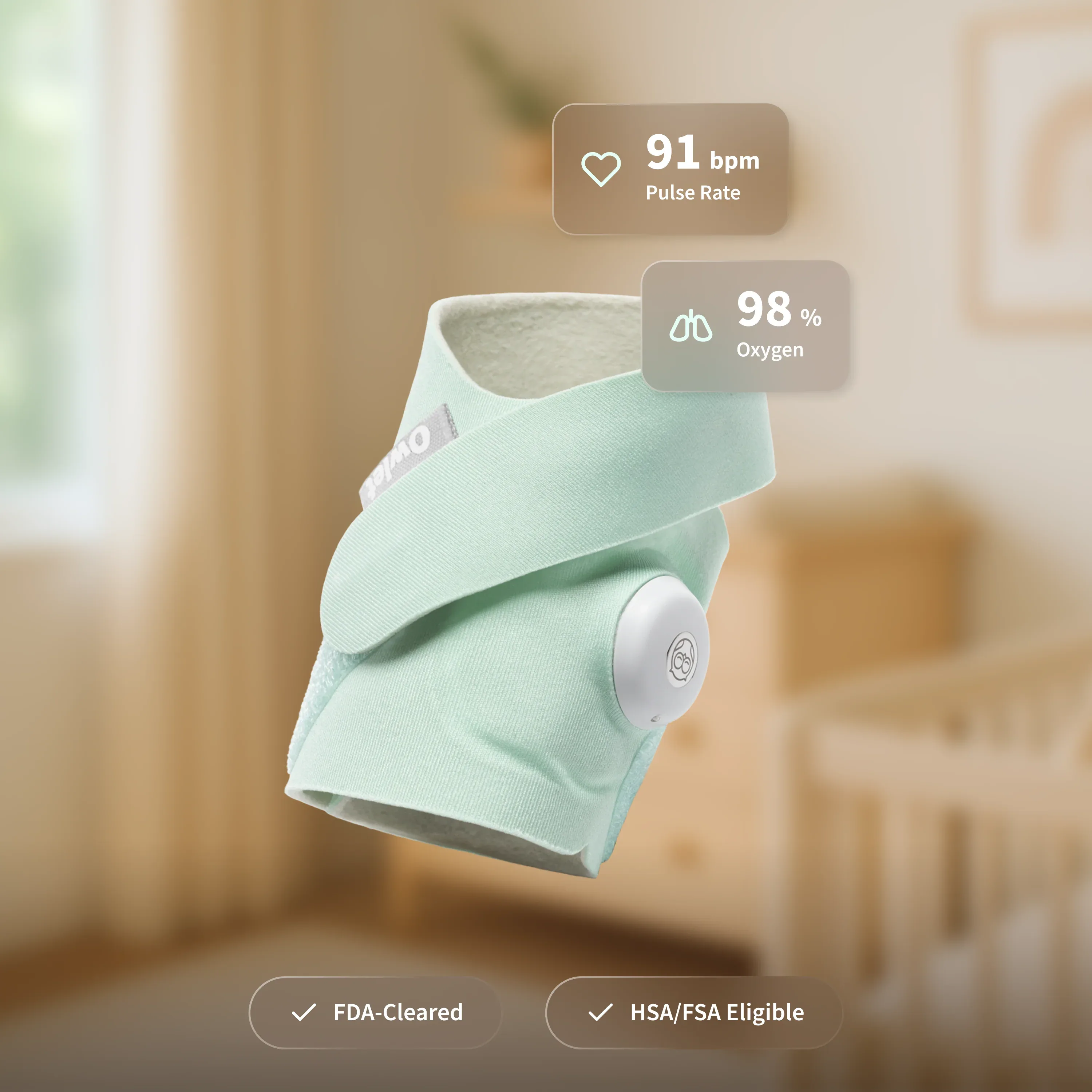
Infant Optics DXR-8 Pro
The privacy-first dedicated-screen path when a charging fire recall pushed you off WiFi mystery batteries.

Motorola VM75
The always-on dedicated screen illustration when you still want a handheld parent unit from another brand.
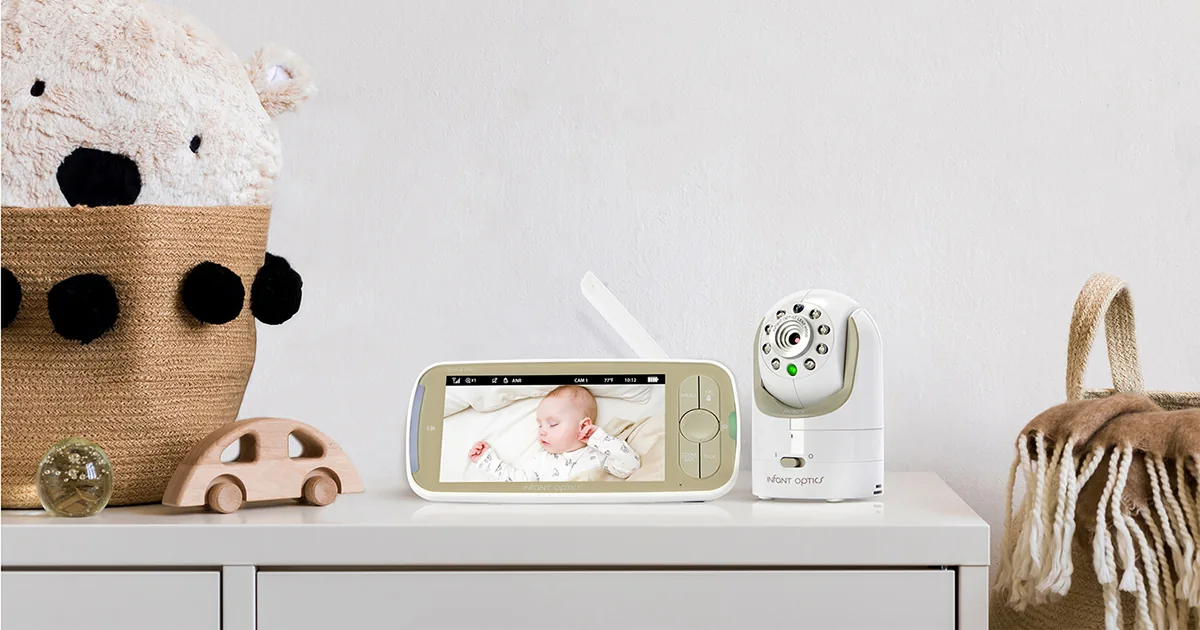
Eufy SpaceView
The long-battery dedicated-screen card when you carry the parent unit room to room after retiring Max View.

VTech VM50 Video Baby Monitor
The budget dedicated-screen illustration for a cheap backup while Hisense ships the free Max View replacement.
Frequently Asked Questions
What did CPSC say about Babysense Max View monitors?▾
On February 26, 2026, CPSC Recall 26-307 covered about 81,800 Babysense Max View Baby Monitors sold on Amazon, Walmart, and Babylist from January 2023 through December 2025 for about $90 to $180. The parent/display unit (VBM55 / VBM55RX) can overheat or spark while charging, posing a fire hazard. The nursery camera is not the recalled part. Stop use and contact Hisense for a free replacement display.
How do I get the free Babysense Max View replacement?▾
Stop using and charging the parent unit. Visit www.recallsecure.com, call Hisense at 833-689-2652 (9 a.m. to 5 p.m. ET, Monday through Friday), email support@recallsecure.com, or use the Product Recalls link at www.babysensemonitors.com. Have the serial number from the back label ready (affected units often start with MVRX).
Can I keep charging the Max View parent unit until the replacement arrives?▾
No. CPSC says stop using the display unit immediately. Unplug it and do not charge it. Cover nights with a temporary audio plan, room-sharing, or a different non-recalled monitor while you wait.
Is every Babysense monitor part of Recall 26-307?▾
No. This recall covers the Max View parent/display unit marked VBM55 / VBM55RX. Max Pro units and other Babysense models are not included. Check the product identification label on the back of your display.
Are the product cards in this post a new Best Baby Monitors Top 5?▾
No. This post is a NEWS/HOWTO action checklist after the Babysense Max View parent-unit recall. The five cards illustrate monitor paths from our existing baby-monitors shortlist for safer monitoring after you finish the stop-use and replacement steps. The category page owns the ranking; this post owns the recall checklist.
How should I dispose of the recalled Max View parent unit?▾
Do not put it in household trash, curbside recycling, or retail used-battery drop boxes. Contact your municipal household hazardous waste center and ask whether it accepts recalled lithium-ion batteries or devices. Follow Hisense replacement instructions for any destroy-and-photo steps they require.
Ready to compare all options?
See every baby monitors ranked by our editors — scored on safety, value, ease of use, and quality.
See all 5 Best Baby Monitors ranked →